

This guide explains how to lodge a visa application for Australia through official channels: choose the correct subclass, complete ImmiAccount accurately, attach requested evidence, submit, and monitor post-lodgement requests.
At Jameson Law, our immigration team guides applicants through the strict procedural requirements of the Australian migration system. This step-by-step guide breaks down the official lodgement workflow, from creating your ImmiAccount to managing post-lodgement obligations.
Step 1: Identify Your Visa Subclass and Stream
Before initiating any application, you must identify the correct visa subclass and stream using the official Department of Home Affairs website. Pathways to Australia are highly specific, and selecting the wrong category can make an application invalid or lead to refusal; visa application charges are not always refundable.
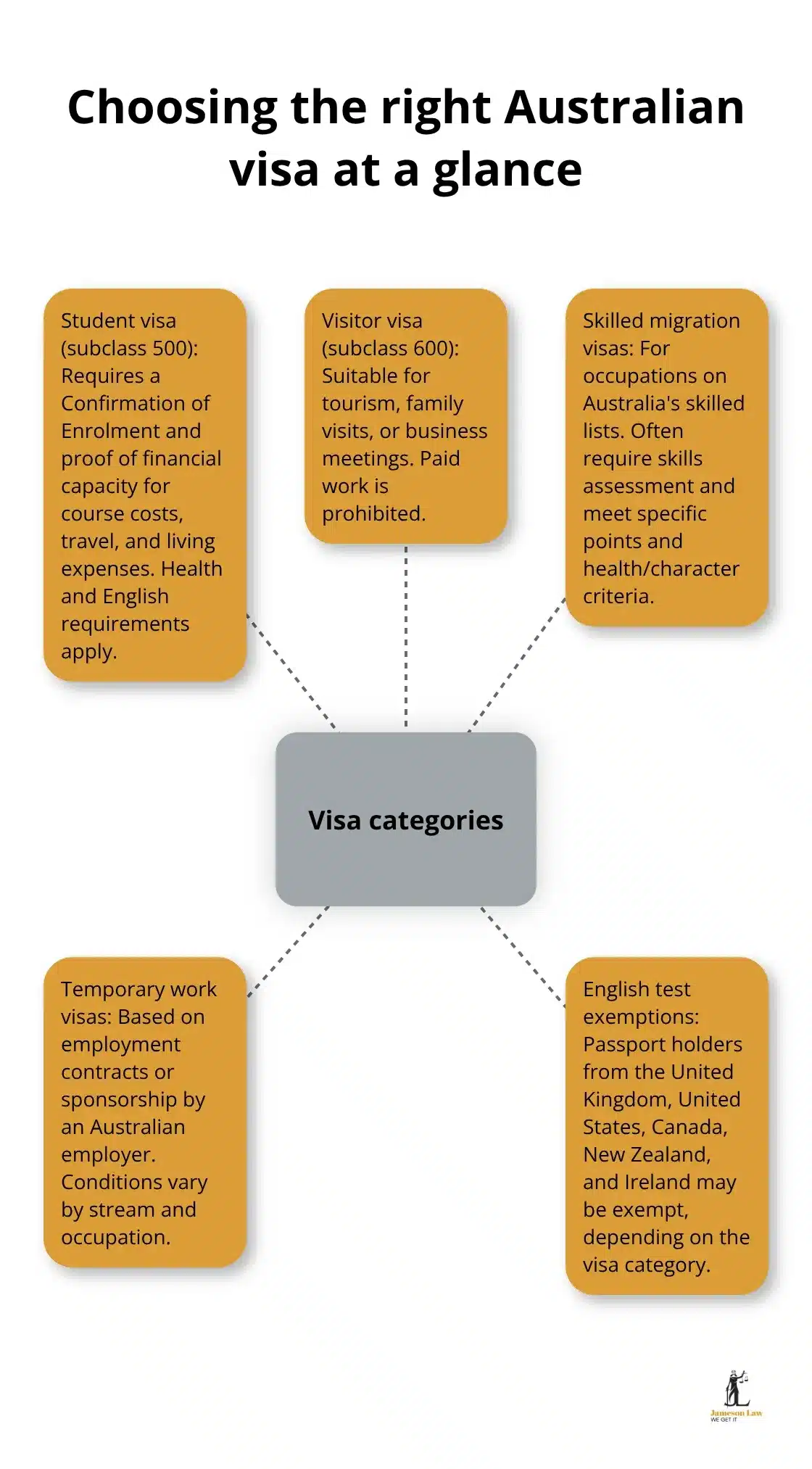
Warning: While the vast majority of Australian visas are lodged electronically, some specific applications, complex circumstances, or transitional visa types may require paper forms or submission via different administrative channels. Always verify the lodgement method specified on the Department’s official subclass page.
Step 2: How to Lodge a Visa Application in ImmiAccount
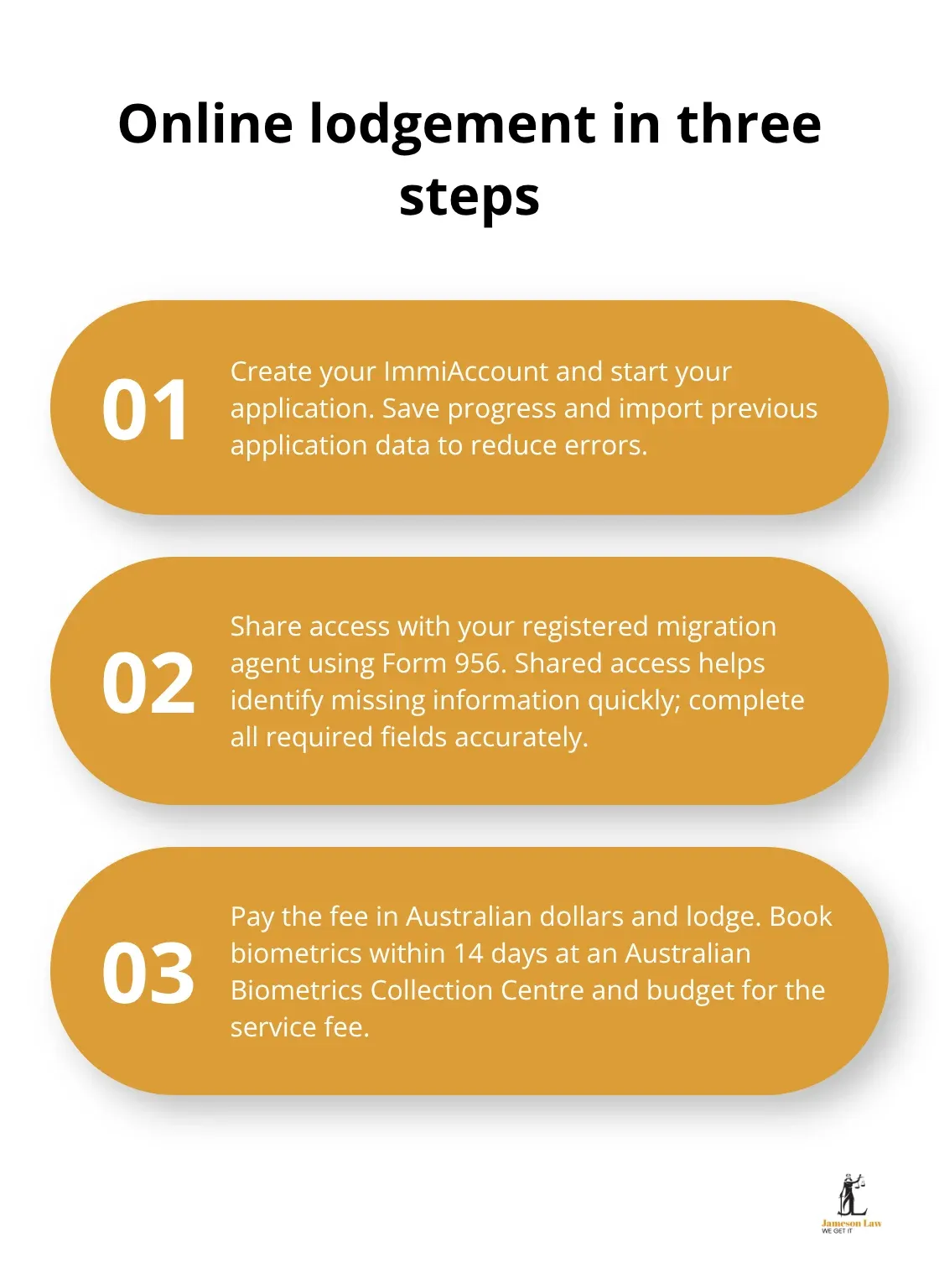
For online applications, the entire process is centralized within ImmiAccount.
| Step | Action Required | Key Detail |
|---|---|---|
| 1. Create/Sign In | Access ImmiAccount and initiate a new application. | Ensure your email address is secure, as all official correspondence will be directed here. |
| 2. Complete Form | Fill out the digital application form accurately. | Enter details exactly as shown in the passport; discrepancies can delay assessment or require correction. |
| 3. Attach Documents | Upload requested evidence for the primary applicant and dependants. | Attach high-quality colour scans. Do not submit encrypted or password-protected files. |
| 4. Pay the Fee | Pay the exact visa application charge displayed. | Fees are subject to periodic change by the Department. Payment finalizes your submission. |
| 5. Save Acknowledgement | Download your acknowledgement of application receipt. | Keep your Transaction Reference Number (TRN) safe. You will need it for tracking. |
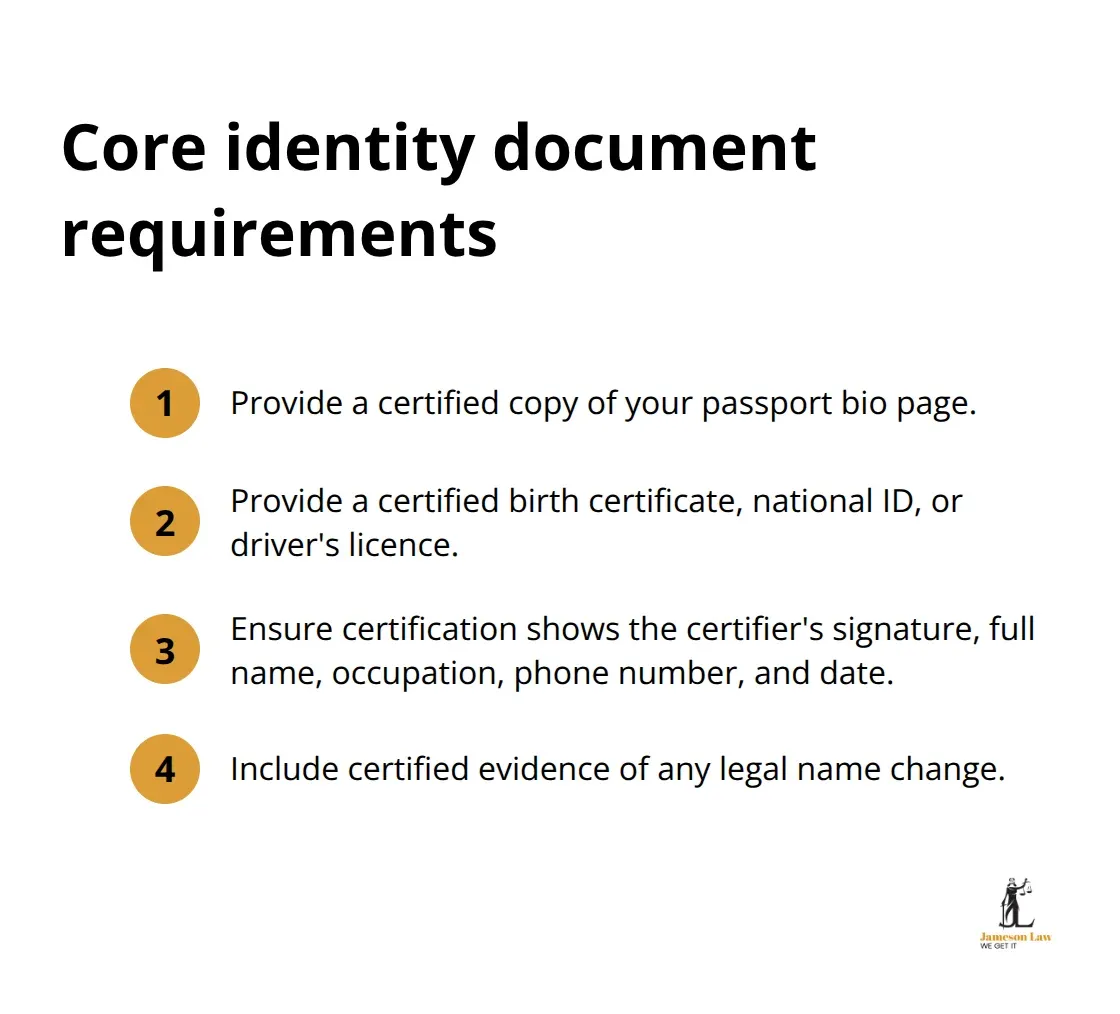
Step 3: Post-Lodgement Obligations
Your responsibilities do not end once you click “Submit.” Active monitoring of ImmiAccount messages is essential to keep the application on track.
Biometrics and Health Examinations
Do not undertake health examinations or provide biometrics proactively unless the official subclass instructions explicitly require it prior to lodgement. For most applicants, you must wait until the Department formally instructs you to do so. If required, you will receive a Request for Biometrics letter or a health examination referral containing a HAP ID. You must book with a panel physician or biometrics collection centre strictly within the timeframe specified in that letter.
Responding to Requests for Further Information (RFIs)
Case officers may issue a formal Request for Further Information (s56 Request) through ImmiAccount if documents are missing or unclear. You must provide the requested documents by the exact deadline stated in the letter. If you do not respond by the stated deadline, the Department may decide the application on the information available, increasing the risk of refusal.
Updating Material Changes
If your circumstances change while the visa is processing—such as a change in relationship status, a new passport, or a change in residential address—you must update the Department using the “Update details” function within ImmiAccount (e.g., submitting Form 929 or Form 1022).
Step 4: Visa Decision and VEVO
Once a decision is reached, the Department will send a formal notification letter to your ImmiAccount (and email). If approved, this Grant Notice will list your visa subclass, validity period, and specific visa conditions (such as work limitations or health insurance requirements).
Australia does not issue physical visa labels in passports. Your visa is linked electronically to the passport you applied with. You can view your current visa status, conditions, and expiry date at any time using the Department’s Visa Entitlement Verification Online (VEVO) system.
Frequently Asked Questions
Do I have to lodge my Australian visa application online?
Most Australian visas must be lodged online through ImmiAccount. However, certain visa subclasses or specific applicant circumstances may require paper applications or alternative channels as directed by the Department of Home Affairs.
When should I complete my health examinations or provide biometrics?
You should only complete health examinations or provide biometrics if specifically instructed to do so by the Department of Home Affairs. You will receive an official request with a HAP ID for medicals or a biometrics collection letter through your ImmiAccount.
How do I track my visa application after I submit it?
After you submit and pay, you can track your application status by logging into your ImmiAccount. You must monitor your messages for Requests for Further Information and, once a decision is made, you can verify your visa conditions using VEVO.
Final Thoughts
Understanding how to lodge visa application Australia accurately is a matter of strict procedural compliance. From initiating your ImmiAccount to uploading evidence and responding to formal RFIs, every action must align with the Department of Home Affairs’ digital protocols.
A single overlooked message or failure to update a new passport number can disrupt processing. If you require assistance managing your ImmiAccount submission, addressing an RFI, or ensuring your application is decision-ready, contact the immigration team at Jameson Law for professional guidance.